
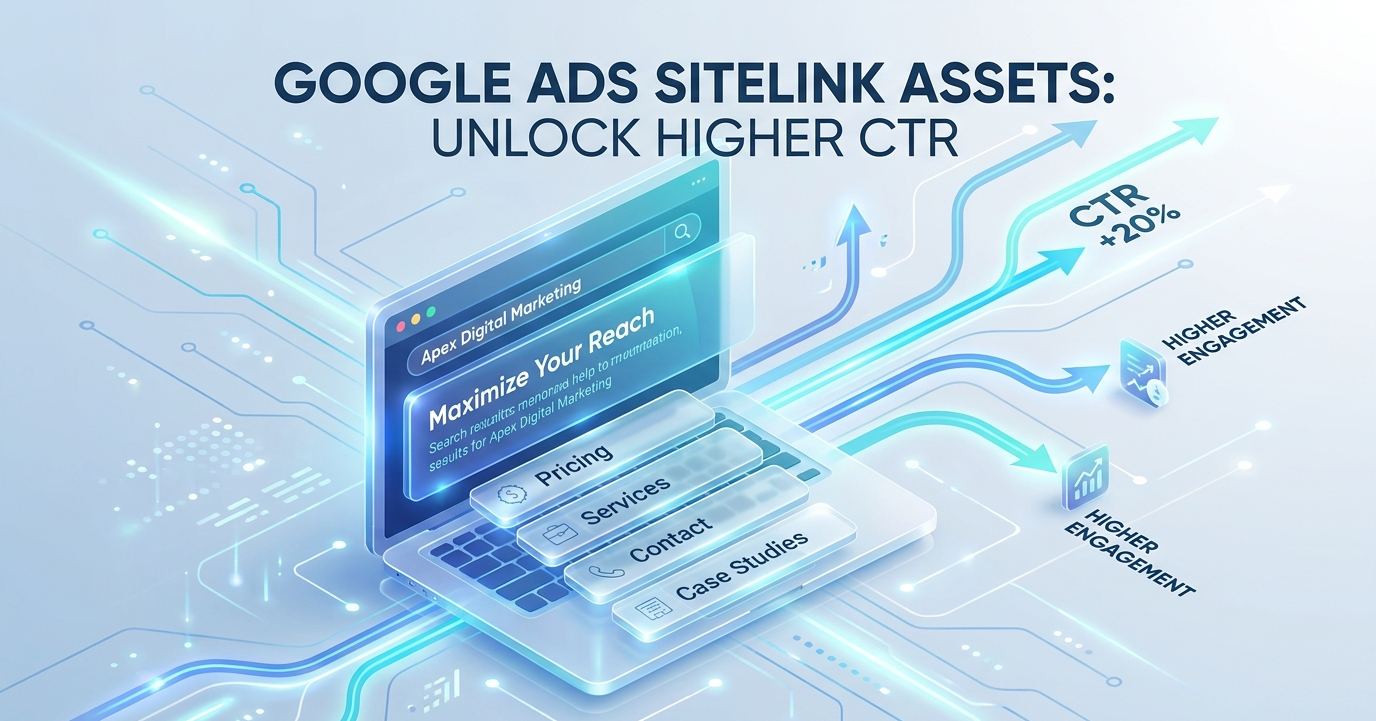
If you’ve ever searched for something on Google and seen an ad with extra clickable links underneath it (things like “Pricing,” “Contact Us,” or “Free Trial”) you’ve already seen sitelinks in action. They’re one of the simplest ways to make a Google Ad take up more space, give searchers more options, and boost your click-through rate without spending extra on bidding.
Let’s break down exactly what they are, how they work, and how to use them well.
Sitelink Extensions: A Simple Definition
Sitelinks (officially called sitelink assets now, though most people still call them sitelink extensions) are additional links that appear below your main Google Ad. Instead of sending everyone to the same landing page, sitelinks let you point people straight to the specific page they’re most likely looking for like your pricing page, your contact form, or a specific product category.
So instead of one ad with one destination, you get one ad that acts like a mini menu of your website.
What Do Sitelinks Actually Look Like?
A typical search ad with sitelinks might look like this:
Adstrixy – Grow Your Business With Smart Ads
www.adstrixy.com
Get more leads and sales with data-driven ad campaigns built for growth.
Pricing | Services | Case Studies | Contact Us
Each of those bolded words is a sitelink. On desktop, they can also include two short lines of description text underneath them, giving searchers even more context before they click.
Why Do Sitelinks Matter?
Sitelinks aren’t just a cosmetic add-on. They genuinely help both the advertiser and the searcher:
- They make your ad bigger. A bigger ad takes up more real estate on the results page, which naturally draws more attention and can push competitors further down the page.
- They improve click-through rate (CTR). People are more likely to click when they can jump directly to what they want, rather than landing on a generic homepage and having to search again.
- They can improve Quality Score. Google rewards ads that are relevant and useful, and sitelinks are one of the signals that show your ad experience is well thought out.
- They reduce bounce rates. Sending someone directly to “Pricing” instead of your homepage means fewer clicks wasted on people who leave because they couldn’t find what they wanted.
- They cost nothing extra. You don’t pay more to use sitelinks. You’re only charged the normal cost-per-click when someone clicks on your ad or on a sitelink itself.
Sitelink Character Limits and Requirements
If you’re setting these up yourself, it helps to know the technical limits Google enforces:
- Link text: up to 25 characters
- Description line 1: up to 35 characters
- Description line 2: up to 35 characters
- Minimum required: at least 2 sitelinks for them to be eligible to show
- Recommended: Google suggests using 4 or more, and data shows that campaigns running 6 sitelinks tend to see noticeably higher conversion rates than those running just the minimum
Because the character counts are tight, it’s worth keeping sitelink text short, specific, and action-oriented rather than trying to cram in a full sentence.
Examples of Good Sitelinks
Here are a few examples of sitelink text that work well because they’re short and tell the searcher exactly where they’re going:
- Free Consultation
- Get a Quote
- Our Services
- Customer Reviews
- Book a Demo
- Shop New Arrivals
- Locations Near You
Notice that each one answers a specific question a searcher might have (“Is this affordable?”, “Can I trust this company?”, “Where can I try this?”) rather than being vague filler.
Best Practices for Using Sitelinks
1. Link to genuinely useful pages.
Don’t just link to random pages for the sake of filling space. Each sitelink should lead somewhere a real customer would want to go (pricing, testimonials, specific product categories, a contact form, and so on).
2. Avoid duplicating your main ad’s message.
Sitelinks work best when they add something new. If your headline already says “Free Shipping,” don’t waste a sitelink repeating it (use that space to highlight something else, like “Return Policy” or “Track Your Order.”)
3. Use unique landing pages, not just your homepage.
Sending every sitelink to the same page defeats the purpose. Each one should take the visitor closer to a specific action.
4. Write descriptions that add context.
The two optional description lines are a great place to add a short, persuasive detail. For example, under “Pricing,” you might write “Plans starting at $29/month.”
5. Test and refine.
Just like your ad copy, sitelinks can be tested over time. Keep an eye on which ones get clicked most and refine the wording or destinations based on performance.
How to Add Sitelinks in Google Ads
Setting them up is straightforward:
- Log into your Google Ads account.
- Go to Ads & Assets (previously called “Ads & Extensions”) in the left-hand menu.
- Click Assets, then the + button, and select Sitelink.
- Choose whether to apply it at the account, campaign, or ad group level.
- Enter your link text, description lines, and the final URL for each sitelink.
- Save, and Google will start showing them alongside your ad once it’s approved (assuming your ad is eligible and has enough ad strength/relevance to display them).
Final Thoughts
Sitelinks are a small feature with a big impact. They cost nothing extra to use, make your ads more visible, and (most importantly) make life easier for the person searching by getting them to the right page faster. If you’re running Google Ads and not using sitelinks yet, it’s one of the easiest wins you can add to your account today.